
Choose the Authoring Tool
After determining the website contents , the next step was to decide how best to start the process. I googled website authoring tools and was overwhelmed by the 17,300,000 options.
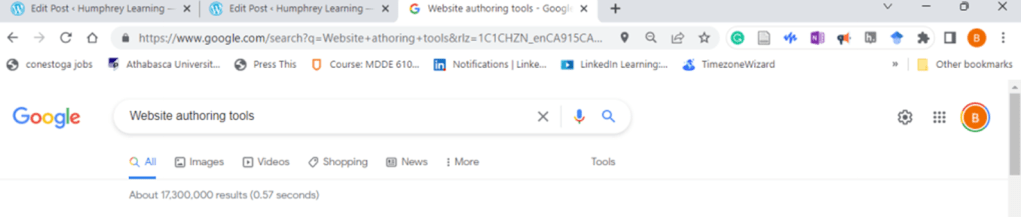
(Image Google screenshot, 2022)
Instead of using Google, I gravitated to the most scientific methodology ever; I drove past a street sign advertising Web Development using WordPress and looked up the program.
According to wpbeginner.com,(2022), WordPress was created in 2003 and powers 43% of all websites on the internet. It begins as a free service and provides some basics such as block editing and templates, but as you progress, you discover the paid versions offer more and more amenities, called plugins, which make your life easier. Before deciding which course I should enroll in; I reasoned that I should begin where I wanted to end up. I decided to pay for a personal site.
Choose the Learning Tool
I discovered that there are a dizzying number of options available to learn how to best use WordPress. I settled on using a LinkedIn course linked below:
WorkPress.com Essential Training – Build a site with WordPress.com.
I also, at times, used the help function within WordPress.
I chose LinkedIn training for a few reasons:
- Price: I have a complimentary subscription to the Linkedin Learning platform.
- Target Audience: It is advertised as Essential training for beginners.
This matched my knowledge level. - Reviews: A rating from 269 people of 4.7/5, and when reading the comments,
they indicated that it was perfect for beginners and “easy to follow”
(Whartion-Brown, 2022) - Does what it says: After scanning the course chapters, it provides both lessons on the setup of the site and how to add different content types.
- Instructor Presence: Listening to Carrie Dils the instructor, I found the instructional presence inviting and knowledgeable.
 Humphrey Learning
One thought on “Build my personal website Process -Tools”